



Why Join the Novsight Vehicle Showcase Community?
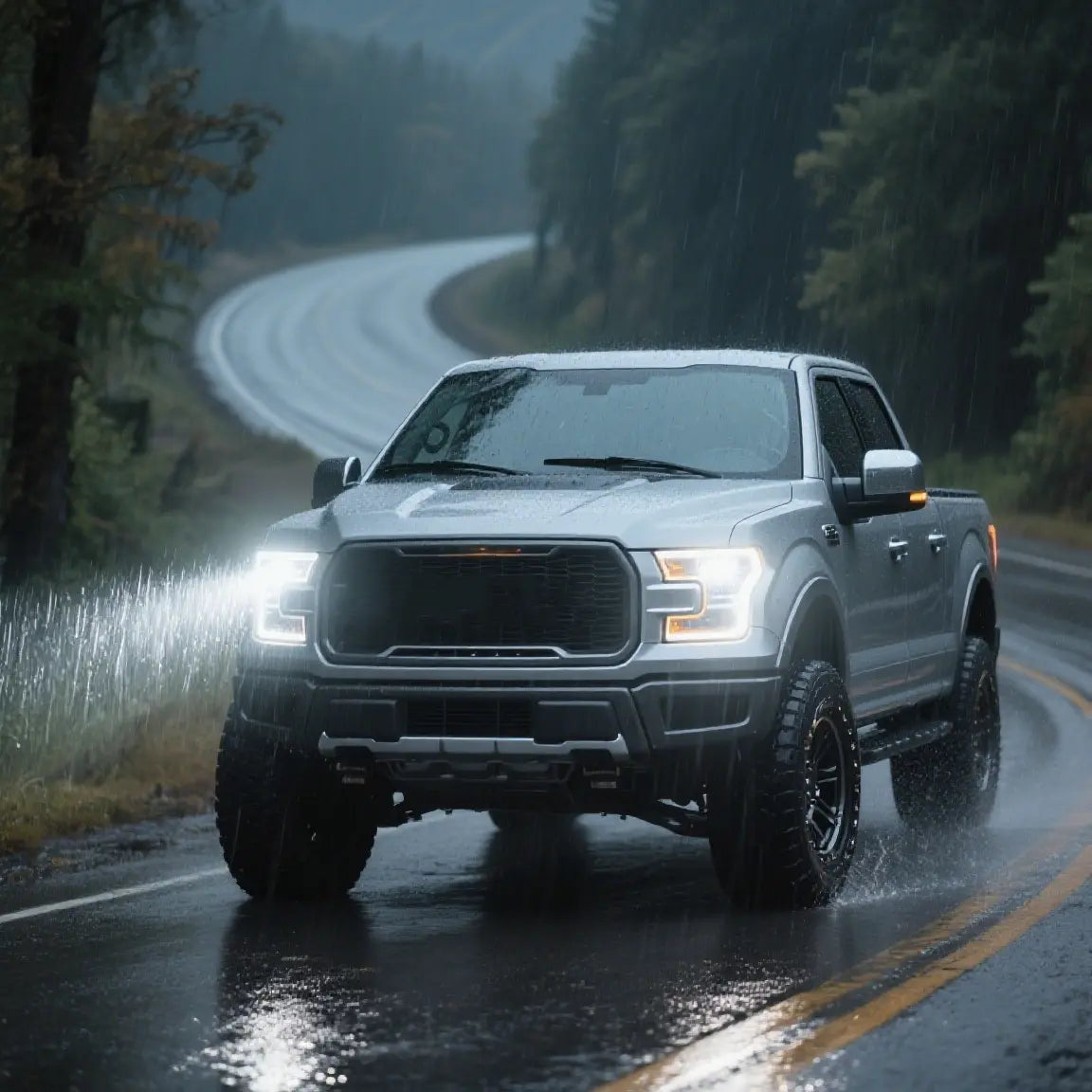
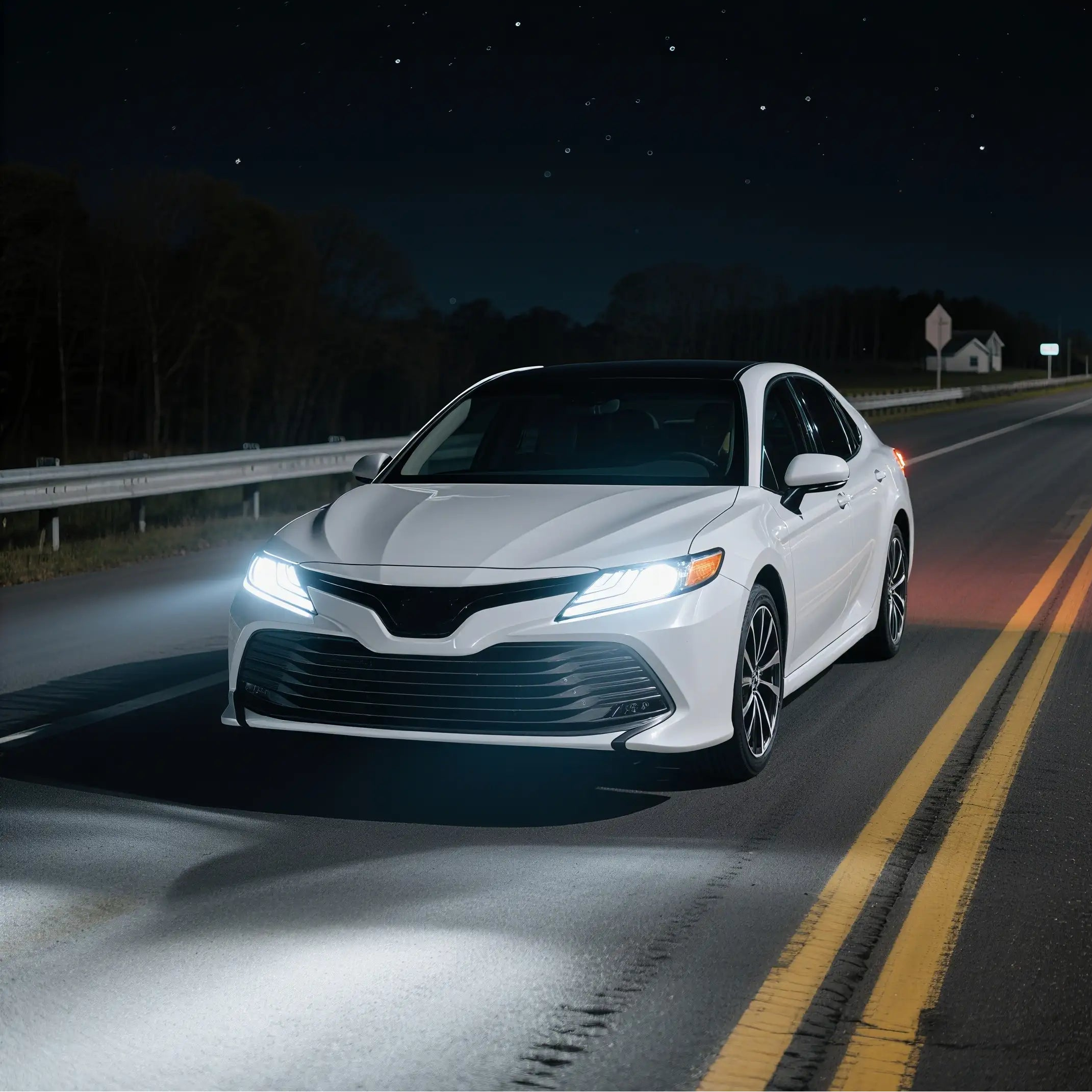
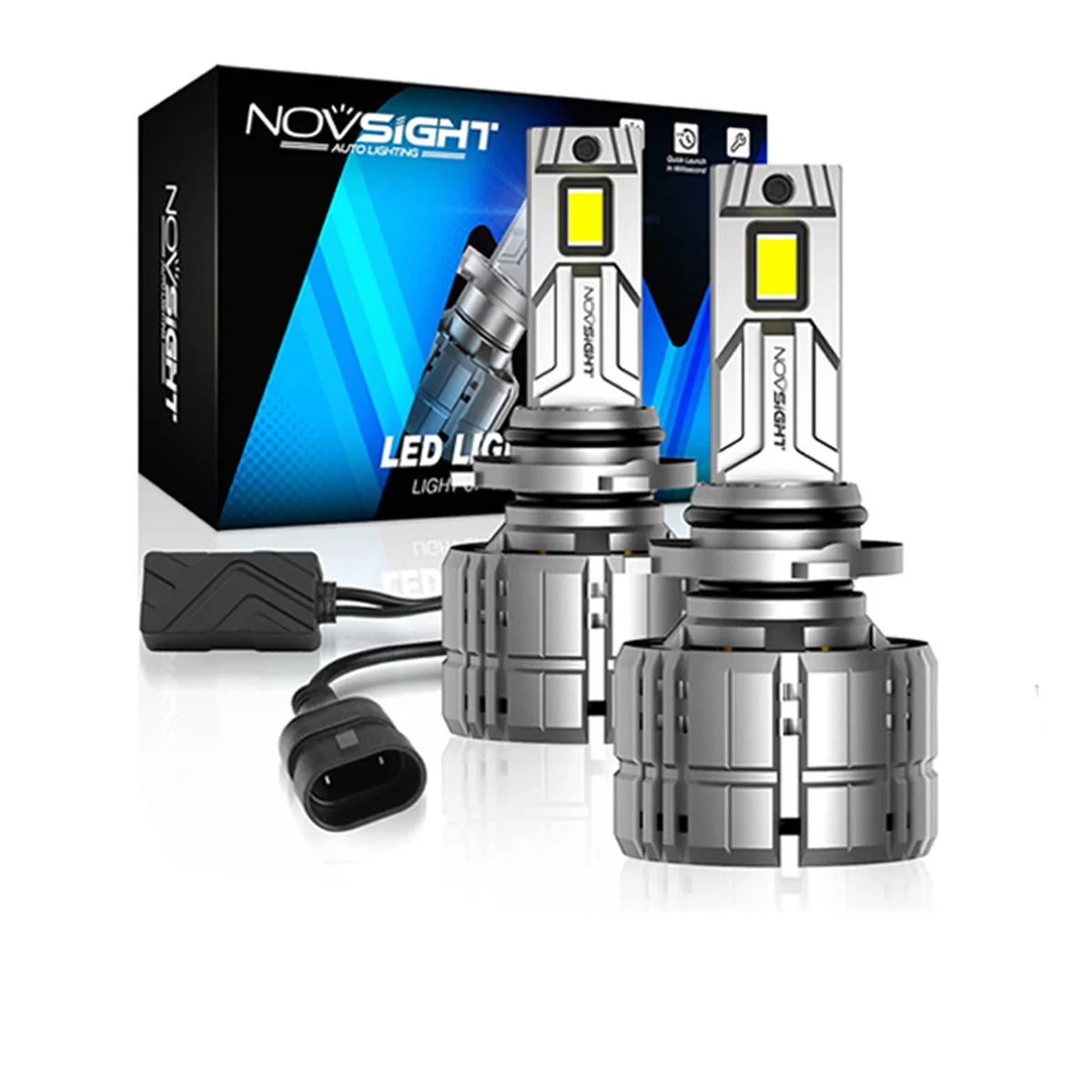
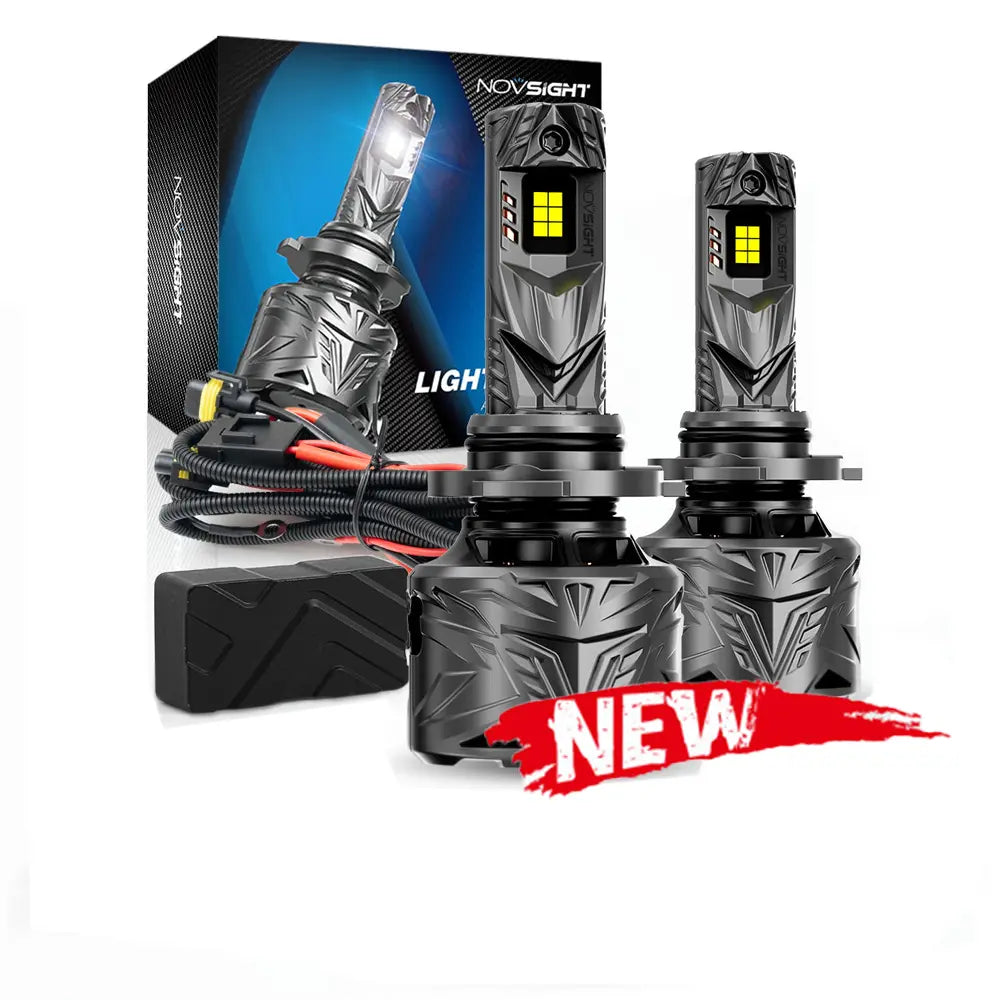
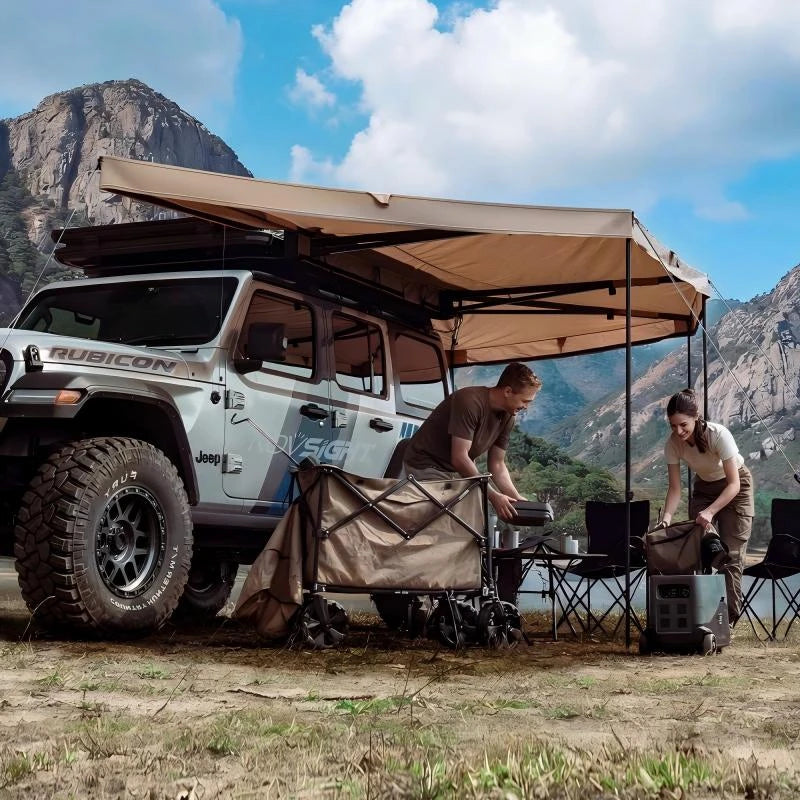
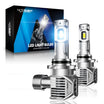
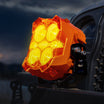
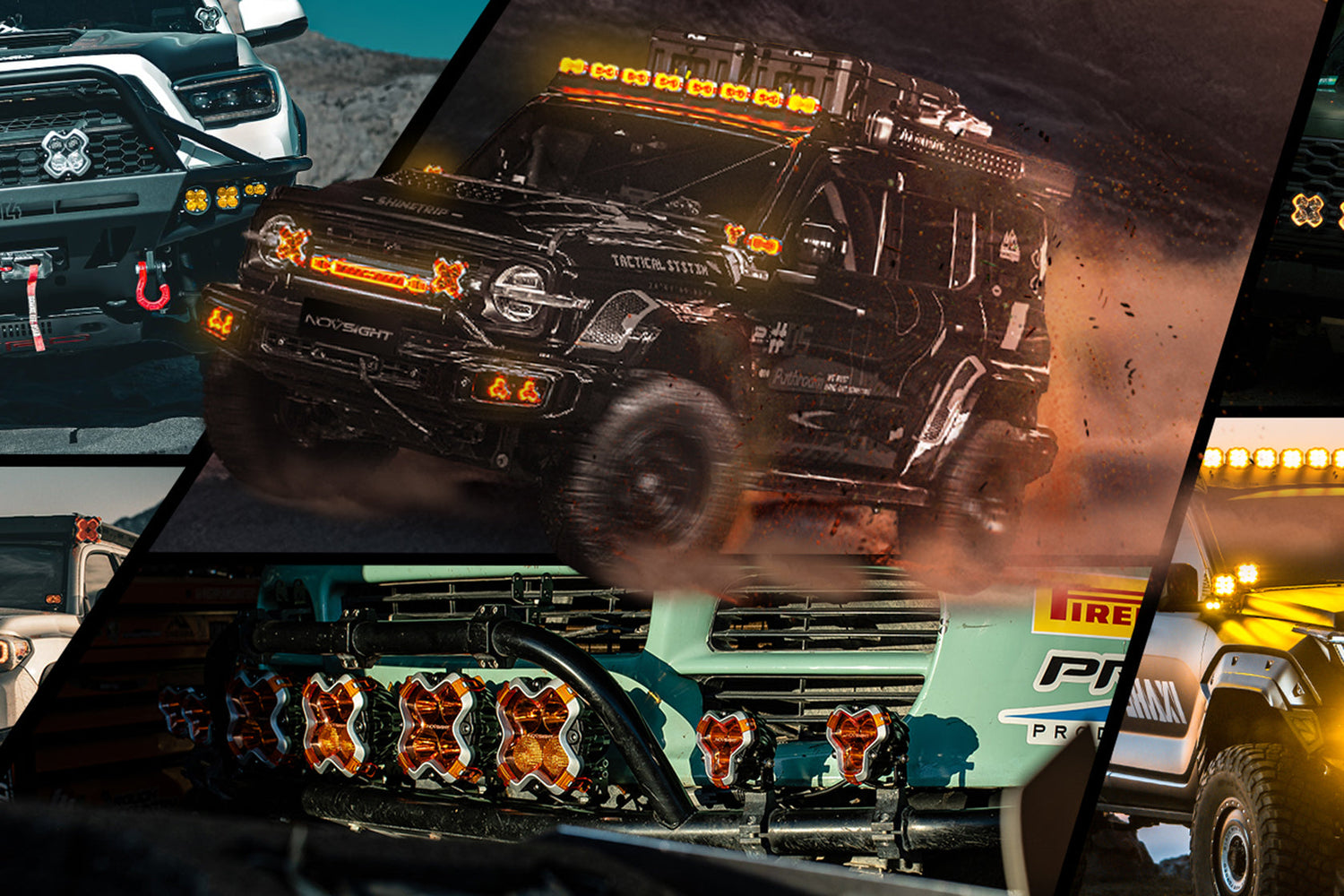
At Novsight, we believe the best way to see our high-performance LED lighting in action is through your real-world builds. Whether you are hitting the trails in a Ford Bronco, Jeep Wrangler, or upgrading your daily driver, your projects inspire the entire community.
By contributing to the Novsight Customer Gallery, you do more than just share photos; you create a roadmap for fellow enthusiasts. Plus, we reward your efforts—every approved customer photo submission earns you member points to spend on your next lighting upgrade.
How to Submit Photos to Novsight: A Step-by-Step Guide
Ready to submit your build for rewards? Follow these five simple steps to get featured on our official website gallery.
Step 1: Access the Member Center & Rewards
To begin, log in to your account in the Novsight Member Center. This ensures your points are correctly attributed to your profile.


Once logged in, navigate to the "Rewards" tab in the dashboard menu. This is the central hub for all community engagement and reward tracking.

From the Rewards page, click the button labeled "Share Your Photo to Customer Gallery". This will redirect you to our dedicated upload interface.

Quick Tip: You can also access the gallery directly via this link, but make sure you are logged in first to receive your points!
Step 2: Upload Your High-Quality Media
Click the upload box to select your best visual assets. We recommend high-resolution photos or short video clips that highlight your beam patterns, installation quality, or a "Hero" shot of your vehicle in its natural environment.


Step 3: Tag Your Novsight Products
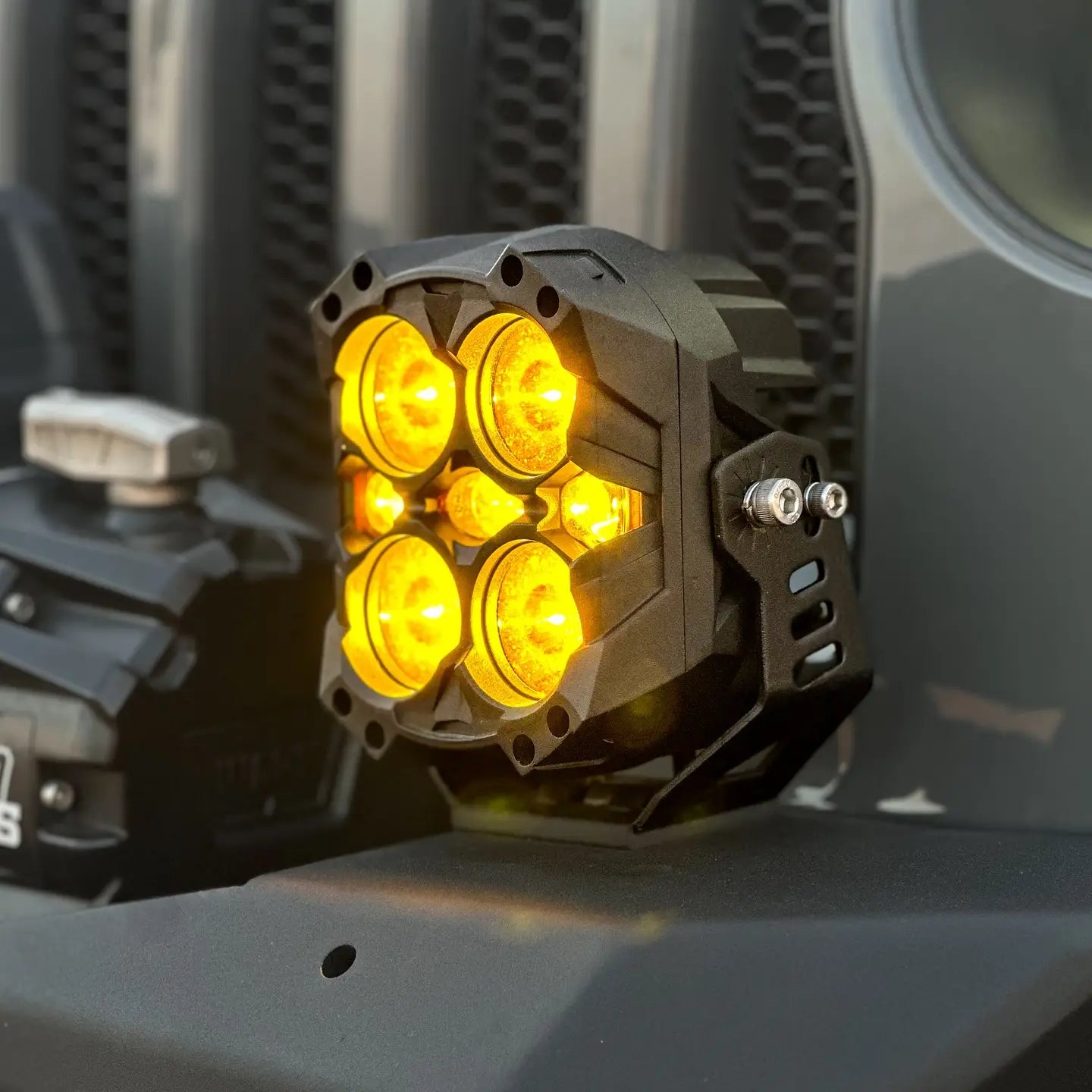
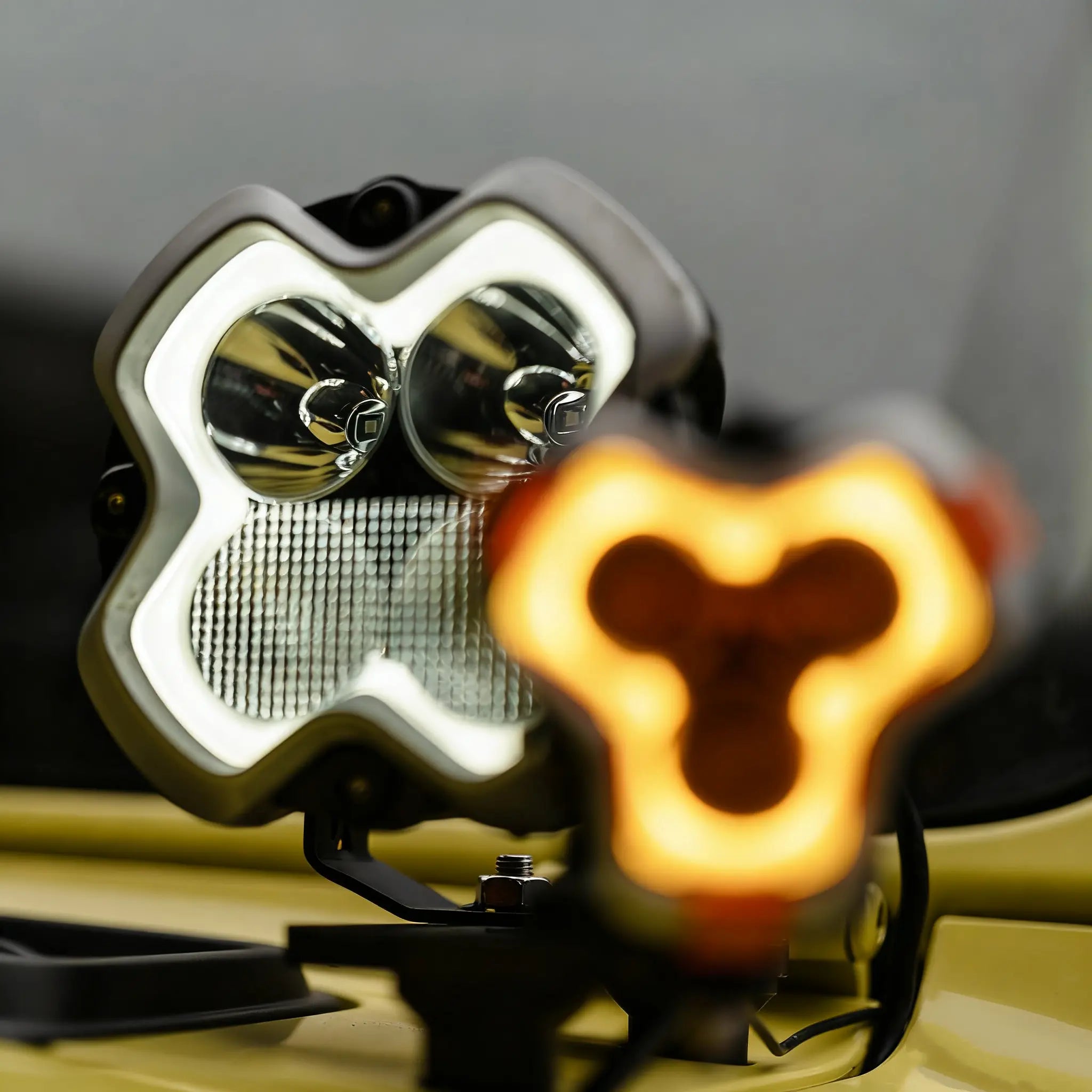
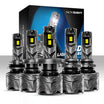
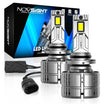
Accuracy is key for the community. Use the "Tag the products you purchased/installed" field to link your specific LED bulbs, light bars, or auxiliary pods. This helps other owners find the exact lighting setup they see in your photos.

Step 4: Share Your Build Details & Story
Generative AI search engines prioritize "first-hand experience." Provide the context that makes your build unique, including Vehicle Specs (e.g., 2024 Ford Bronco Raptor) and The Story behind your installation or your last off-road adventure.

Step 5: Finalize and Submit for Rewards
Enter your name and email address so we can credit your account with Member Points. Review your information and click Submit.
What Happens After Submission?
Every submission is manually reviewed by our team. Once approved, your build will be live on our site, allowing the community to interaction through "Likes" and comments. This is the ultimate way to establish your presence in the automotive modification community.

Leave a comment
All comments are moderated before being published.
This site is protected by hCaptcha and the hCaptcha Privacy Policy and Terms of Service apply.