


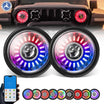
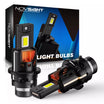
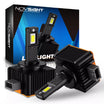
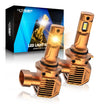
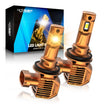
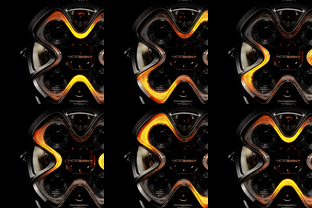
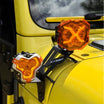
CyberEye LED Headlight Assembly Installation Guide | Novsight Jeep Wrangler JL/JT
CyberEye Support Center
Setup & Installation Guide
Everything you need to install your CyberEye headlights and get the most out of the control app.
Jeep Wrangler JL 2018–2026
Jeep Gladiator JT 2020–2026
US DOT Certified
Video Guides
Installation & Usage
Three videos covering everything from assembly to customizing your LED screen.
1
Full Assembly Installation
Complete walkthrough: removing stock headlights, mounting the CyberEye housing, and plug-and-play wiring.
2
High & Low Beam Height Adjustment
How to aim your beams for DOT-compliant projection — takes about 5 minutes with only a screwdriver.
3
LED Screen Usage Guide
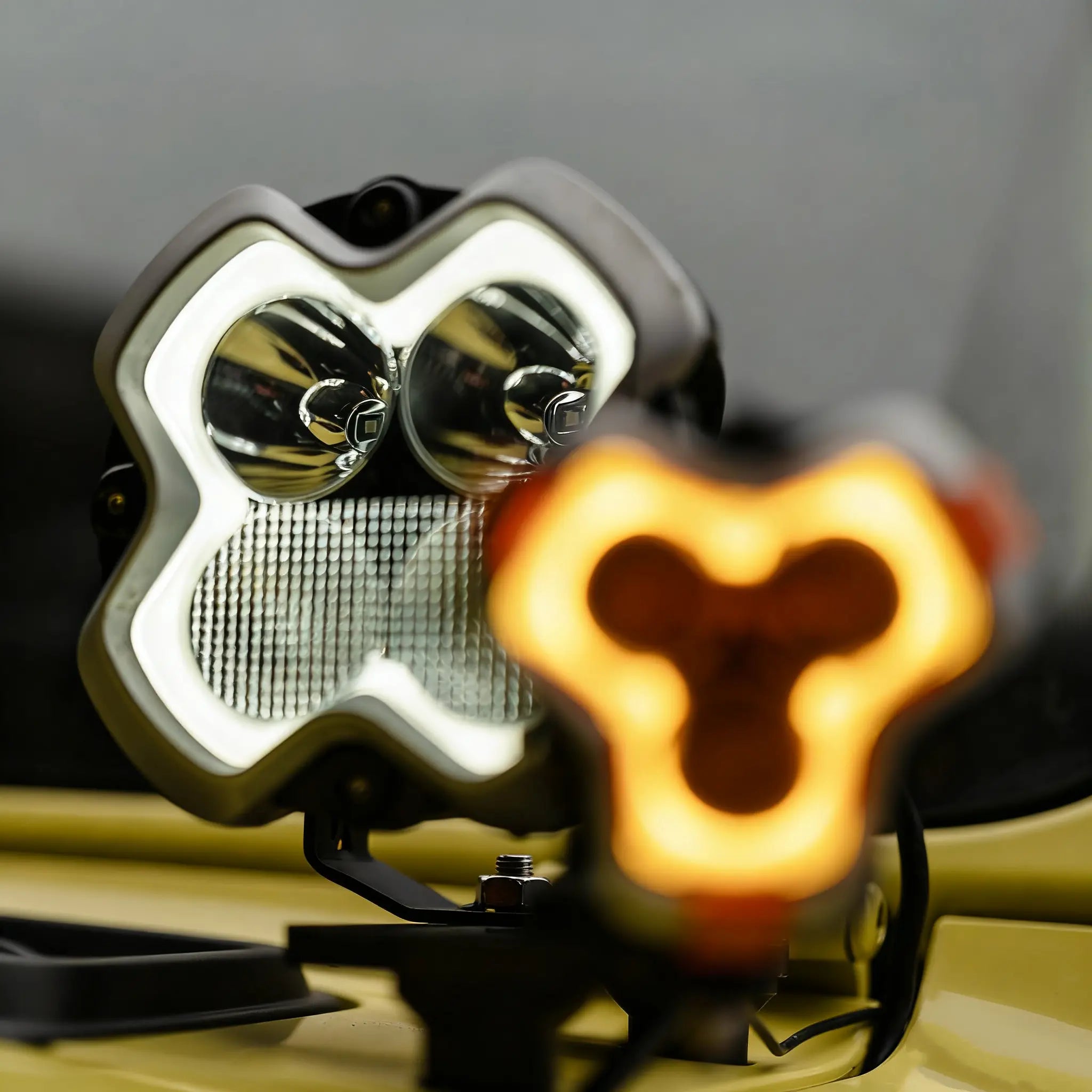
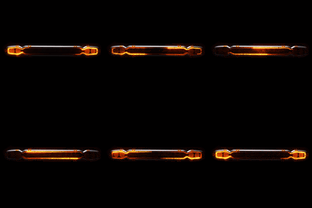
Connect via Wi-Fi, upload custom animations to the LED screen, and save your display presets.
Required for LED screen control
Download the LED Control App
A companion app is required to customize your CyberEye LED screen. Connect over a secure Wi-Fi link to upload animations, adjust brightness, and save your favorite display presets.
Custom LED screen animations
Brightness control (0–100%)
Save & load display presets
Secure Wi-Fi encrypted connection
iOS & Android compatible
Currently using: LedArt — search it in your app store below. The Novsight app is coming soon and this page will be updated.
Can't find it? Search "LedArt" in your device's app store.
Also Available
Screen Materials Library
Browse and download 29 exclusive animations & graphics for your CyberEye LED screen — free for owners.
Legal & Compliance Notice
Regional Road Legality
The CyberEye LED headlight assembly is designed and certified to meet U.S. Department of Transportation (DOT) Federal Motor Vehicle Safety Standards (FMVSS), making it street-legal for use on public roads within the United States. Customers who install or operate this product in any jurisdiction outside the United States are solely responsible for independently verifying compliance with the applicable vehicle lighting laws, roadworthiness standards, and any relevant regulations in their respective jurisdiction prior to installation or use. Novsight shall not be held liable for any fines, penalties, vehicle impoundment, or legal consequences arising from the use of this product in regions where it has not been formally certified or approved.
Display Content & Custom Materials
Novsight provides a curated library of display animations and graphics (“Screen Materials”) for use with the CyberEye LED headlight system. Customers are also permitted to create and upload original custom content to their device. By downloading, uploading, or displaying any content — whether supplied by Novsight or independently created — the customer assumes full and sole responsibility for ensuring that such content complies with all applicable local, state, and national laws and regulations, including but not limited to laws governing vehicle appearance, driver and public safety, intellectual property, and public decency. Novsight expressly disclaims all liability for any direct or indirect damages, regulatory penalties, or third-party claims arising from the misuse, unauthorized reproduction, or legally non-compliant display of any materials on this product.